NSFW AI Video Generator
The only NSFW platform pairing Continue from Last Frame with Character Training. Train a Character from your photos — works in NSFW video. Pay-per-use packs from $2, no subscription required
What is an AI video generator?
An AI video generator produces short video clips from a text prompt or a source image using diffusion models. nocensor.ai uses WAN with NSFW fine-tuning, supports text-to-video and image-to-video, and chains clips via Continue from Last Frame so a single take can extend across multiple generations.
No filters. No limits.
Night Life
Realistic
Luxury Car
Photoreal
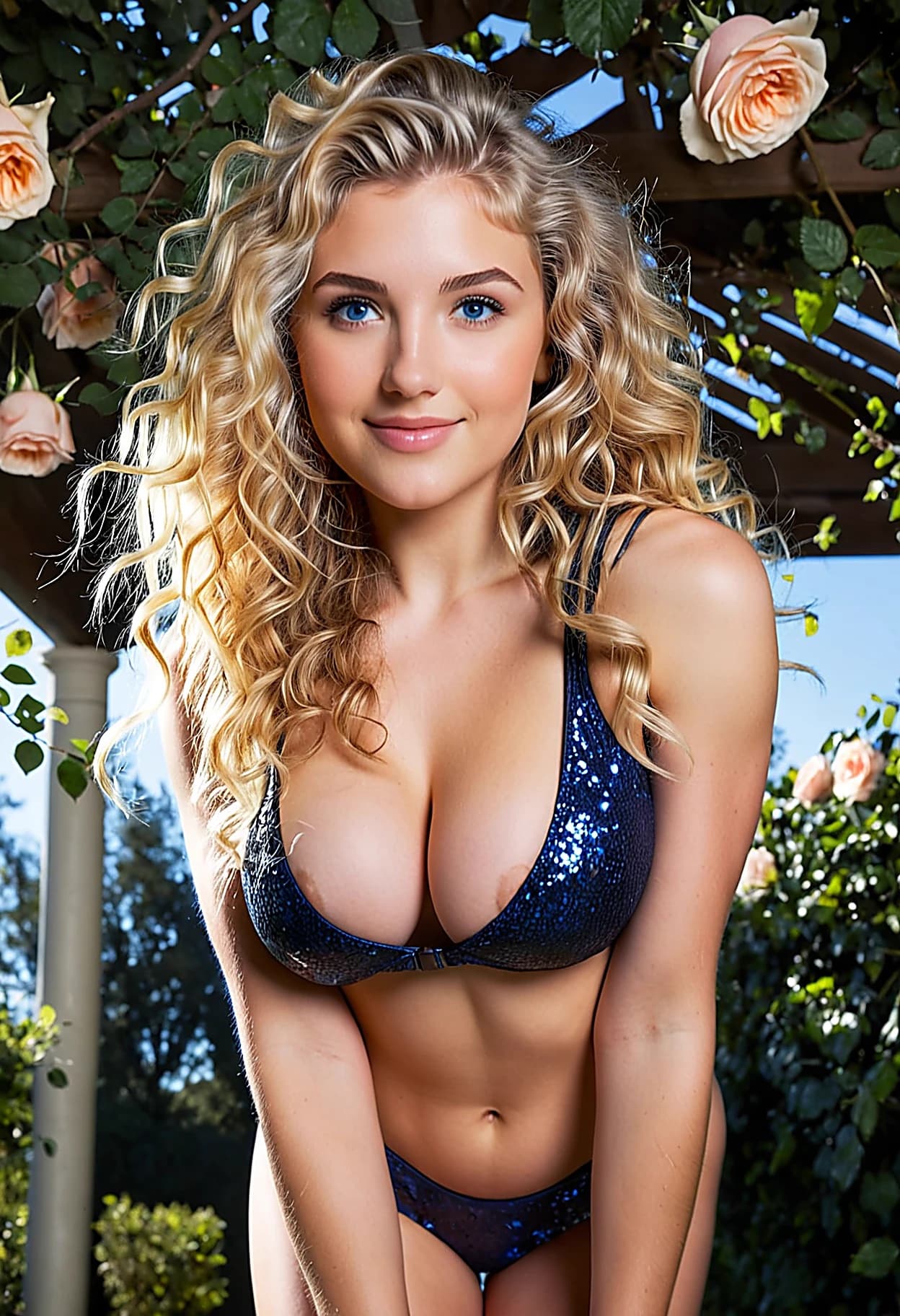
Luxury Garden
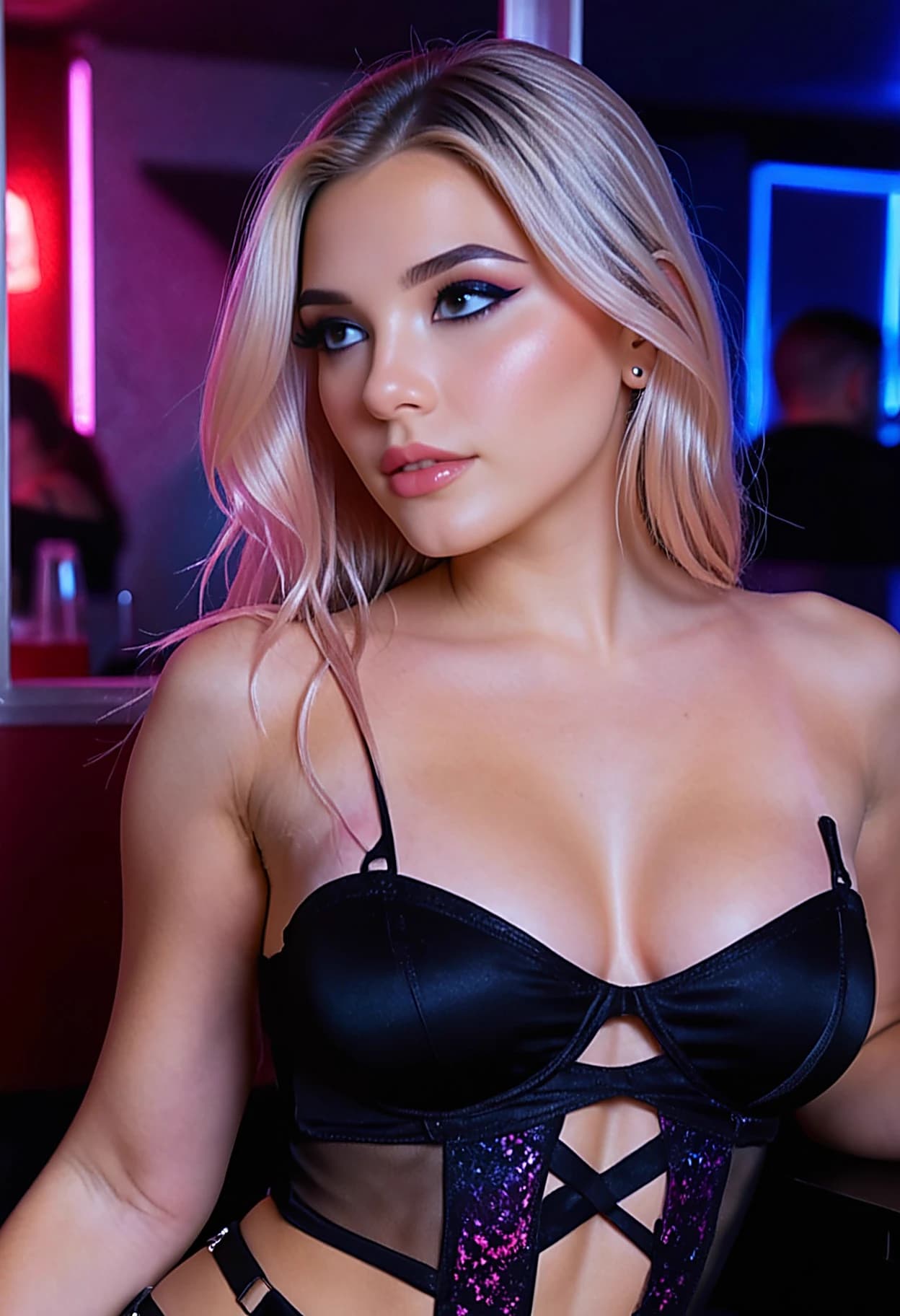
Night Life
The Only NSFW Video Generator with Continuation + Custom Character Training
Runway and Kling have video continuation but ban adult content. Several NSFW platforms have continuation. Only nocensor.ai pairs uncensored video, Continue from Last Frame, and Character Training from your own photos — the trio that lets you produce frame-seamless adult sequences of a specific trained character, in any scene, indefinitely. No other NSFW platform combines all three.
The last frame of each video automatically loads as the starting image for the next generation. Add a prompt to steer the next scene, choose your duration, and generate. Face and body features carry over seamlessly — the same character looks consistent from clip to clip. The result is a continuous sequence that looks like one unbroken take.
What you can create
Text to Video
Describe a scene and watch it come to life.
Image to Video
Animate any still image into a video clip.
HD Quality
1280×720 HD output available at 2× credits.
Real-time Voice Calls
Speak with companions using your microphone. AI responds in the character's voice — uncensored, no topic blocks.
Group Chat (2–4 Characters)
Multi-character conversations with @mentions, individual personalities, and shared memory. Unique to nocensor.ai.
Pipeline Builder
Chain 9 stages into one submission with bundle discounts — Generate, Face Swap, Animate, Restyle, Upscale and more.
Continue from Last Frame
Chain clips with your trained Character carrying face and body throughout — no competitor combines this with Character Training.
Character Training → Video
Train a model from 10–25 photos. Use it across images, video, and pipelines — only platform with NSFW-video output from a trained Character. Chain those clips with your Character's face and body throughout.
Text to Video and Image to Video
Start from a text prompt or upload a still image. Text-to-video generates a clip from scratch based on your description — character, setting, action, and style. Image-to-video animates an existing image, preserving the composition and adding motion that fits the scene.
Both modes support HD output at 1280×720 resolution. Standard output runs at 960×544. All clips are generated on dedicated high-VRAM GPU infrastructure using our video model with a custom NSFW adapter — the same model family powering mainstream video platforms, without the content restrictions.
Use Your Trained Character in Video
Every other uncensored video platform generates from shared models. nocensor.ai is the only platform where you can train a custom AI model from your own photos — called a Character — and then use that model directly in NSFW video generation. The video pipeline applies your trained model across the entire clip, producing a video of your specific character with no content restrictions.
Character Training takes 10–35 minutes depending on the tier selected. Once ready, your Character appears as a selectable model in the video workflow. It integrates with both text-to-video and image-to-video generation. No other uncensored platform combines training on real photos, NSFW video output, and continuation — so your trained Character carries across chained clips.
How it works
- 1
Sign Up — Free First Clip
Create an account. After you generate 3 images, your first short video clip is on us.
- 2
Describe or Upload
Write a prompt for text-to-video, or upload an image for image-to-video.
- 3
Continue Creating
Download your video — or continue from the last frame to build a longer scene.
- 1
Sign Up — Free First Clip
Create an account. After you generate 3 images, your first short video clip is on us.
- 2
Describe or Upload
Write a prompt for text-to-video, or upload an image for image-to-video.
- 3
Continue Creating
Download your video — or continue from the last frame to build a longer scene.
12K+
Videos Created
8K+
Users
Anonymous by Design
nocensor.ai accepts Bitcoin, Ethereum, Litecoin, and Monero. No billing address, no credit card, no real name. Your generated videos are private by default and never appear in public feeds or shared galleries unless you choose to share them.
There is no account suspension risk for generating adult content — nocensor.ai exists specifically for unrestricted creation. You will never log in to find your account disabled because of what you made.
nocensor.ai vs Other AI Video Platforms
| Feature | nocensor.ai | Other platforms |
|---|---|---|
| Uncensored / NSFW content | Yes — no filters | Blocked |
| Continue from Last Frame | Yes — with trained Character face and body across clips | Available on some NSFW platforms — none pair it with trained Character models |
| Text to video | Yes | Runway, Kling (censored only) |
| Image to video | Yes | Runway, Kling (censored only) |
| Anonymous crypto payments | BTC, ETH, LTC, XMR | Card only |
| Account suspension risk | None | High for NSFW use |
| Custom model training → video | Yes — Character Training → video generation | Not available on any NSFW platform |
Uncensored / NSFW content
Continue from Last Frame
Text to video
Image to video
Anonymous crypto payments
Account suspension risk
Custom model training → video
Frequently Asked Questions
Can I generate any type of video?
Yes. There are no content filters on nocensor.ai. You describe what you want and the AI generates it. Adult, explicit, and NSFW content is fully supported — no risk of account suspension.
What is "Continue from Last Frame"?
After generating a video, you can pick up exactly where it ended — the final frame of your clip becomes the starting image for the next generation. Face and body features carry across continuations, so the same character looks consistent throughout. Several NSFW platforms now offer continuation — nocensor.ai pairs it with Character Training, so your trained Character's face and body carry across every chained clip.
How do I build a longer video using continuation?
Generate your first clip. On the result screen, tap "Continue from last frame." The last frame is automatically loaded as the input image for a new generation. Add a prompt to steer the next segment, pick your duration, and generate. Repeat as many times as you want.
What is image-to-video?
Upload any still image and the AI animates it into a video clip, preserving the scene and composition. This pairs naturally with Continue from Last Frame — generate an image first, then animate it, then continue from the end of the animation.
How long are the generated videos?
Videos are available in short (~2s), medium (~3s), long (~4s), and long+ (~5s) durations. Available in standard quality (960×544) or HD (1280×720). Credits scale with duration and quality. Use Continue from Last Frame to chain clips into longer sequences.
Do I need to purchase credits before generating video?
No. Your first short video is free with signup — after generating 3 images, the voucher unlocks automatically. After that, additional video clips use 136–880 credits. Packs start at $2 (gives you ~3 more short clips).
Can I pay anonymously?
Yes. Credits can be purchased with Bitcoin, Ethereum, Litecoin, or Monero. No billing address, no credit card, and no personal information is required. Your generations are private by default.
Do other AI video platforms have Continue from Last Frame?
Runway and Kling offer video extension features, but both strictly prohibit adult content. Several NSFW platforms now offer continuation too. What remains unique to nocensor.ai is pairing it with Character Training — your trained model's face and body carry across every chained clip.
What video model powers nocensor.ai?
nocensor.ai uses our video model with a custom NSFW adapter, running on dedicated high-VRAM GPU infrastructure. Generations take 30–90 seconds depending on duration and quality setting.
Can I animate an AI-generated image without switching tools?
Yes. The Animate stage is available in the Pipeline Builder on the image workflow page. Add it after any generate stage and your output image is automatically fed into image-to-video — no separate upload or tool switching required. The Animate stage uses image-to-video with the same video model, so the character and scene stay consistent from image to video.
Can I generate AI porn videos?
Yes. nocensor.ai places no content filter on generated video. Adult and explicit content is fully supported — you will not be suspended or banned for generating it. The platform was built specifically to remove the restrictions that mainstream AI video tools impose.
What's the difference between AI porn video and AI sex video?
Both describe the same broad category — uncensored adult video generated from a text prompt or source image. "AI porn video" is the more common search phrasing; "AI sex video" tends to imply specific acts. nocensor.ai handles either query the same way: no content filters, Continue from Last Frame to chain scenes, and Character Training to keep the same person across clips.
Is there a free NSFW AI video generator?
Yes. After signing up and generating 3 images, nocensor.ai gives you one free short video clip (no card required). After that, credits start at $2 per pack, giving you roughly 3 additional short clips. There is no subscription required — every generation is pay-per-use.
Which AI video generator has no restrictions?
nocensor.ai is the only uncensored AI video platform that combines no content filters, Continue from Last Frame, and custom Character Training from your own photos. Several platforms have continuation — none pair it with trained Character models. Runway, Kling, Sora, and other mainstream platforms all prohibit adult content.
How do I make an AI video without restrictions?
Sign up at nocensor.ai (free, no card). After generating 3 images, your free video voucher unlocks. On the video workflow page, enter a text prompt (text-to-video) or upload a starting image (image-to-video). Choose duration and quality, then generate. After the clip completes, tap "Continue from last frame" to add another segment.
Face Swap works on video too
Generate a video scene, then apply any face to the output. Swap in a saved face model for consistent identity across multiple clips — the same face, the same character, every time. No re-uploading required.
Try Face SwapAlso comparing
Generators by category
Also on nocensor.ai: Character Training
Train a custom AI model from your photos and use it in video generation. No other uncensored platform combines Character Training with continuation — your trained model's face and body carry across chained clips.
Train a Character